
Stop wasting days trying to learn hard software. By the end of this guide, you will see how AI builds your home design in minutes
DesignHome vs Planner 5D: Which AI Home Design Software Should You Choose?
Are you planning a home makeover?
Choosing the wrong software can waste hours of your time. You want to see your room ideas clearly before spending money.
Two popular options are designhome and Planner 5D. Both promise to help you create your dream house.
However, they work in completely different ways. One makes home design simple and fast. The other requires tedious manual drawing and complex setup.
Here is a clear guide to help you pick the right tool for your project.
DesignHome vs Planner 5D at a Glance: Quick Feature Comparison
Need a short answer right now?
DesignHome gives you extraordinary home results in seconds. You simply type your ideas or upload a picture of your house.

Planner 5D forces you to draw every single wall by hand.
| Feature / Metric | Legacy Tools: Planner 5D | Autonomous AI: DesignHome |
|---|---|---|
| Primary Approach | Manual Wall Drawing Draw walls, place individual items, and adjust measurements item by item. | Instant AI Generation Type bold ideas or upload home photos for instant, tailored room concepts. |
| Floor Plans | Complex Manual Drafting Tedious line-by-line drawing and precise spacing requirements. | Instant Layout Generation Create smart layouts from text descriptions in seconds. |
| Interior Redesign | Drag and Drop Pieces Manually select, rotate, and place every single piece of furniture. | Instant Photo Redesign Upload room photos to receive stunning, fully rendered interior designs immediately. |
| Exterior Tools | Steep Learning Curve Hard-to-master tools that require extensive practice to look realistic. | Easy Photo Upload & Custom Colors Quickly transform home exteriors with simple uploads and custom styling tools. |
| Speed & Efficiency | Hours of Tedious Work Slow progress spent tinkering with angles, dimensions, and asset libraries. | Results in Seconds Go from a simple text prompt or photo to fully realized designs in moments. |
| Bottom Line | High manual effort, steep learning curves, and frustrating trial-and-error. | Instant generation, natural human workflows, total control, and gorgeous results. |
Interior Design Comparison: Which AI Creates Better Room Designs?
You want realistic room makeovers without endless hassle.
With DesignHome, decorating a room takes zero effort. You can redesign any room interior by uploading a photo of your space.
Upload your picture, and the system finds the best design for your room. You can test new colors, furniture, and wall styles with one tap.
Planner 5D makes interior decorating frustratingly difficult. You must scroll through huge menus manually.
Then you have to align each chair and table by hand. It takes ages just to place one sofa correctly.
If you want fast, beautiful results, check out the DesignHome interior design tool.
Floor Plan Comparison: AI Generation or Manual Planning?
Drawing floor plans on paper takes hours and leads to mistakes.
DesignHome solves this problem using simple words. You just type your bold ideas into the instant floor plan generator.
Describe what you want, and a complete floor plan appears instantly. Read our guide on how to create layouts in minutes to see how easy it is.
Planner 5D takes the hard route. You have to click, drag, and measure every wall yourself.
One wrong click ruins your entire room size. It feels like doing hard homework instead of enjoying your project.
Check out this complete floor plan guide to learn more about layout planning.
Exterior Design Comparison: Which Tool Creates Better Home Makeovers?
Redesigning the outside of your house can be stressful. You do not want to choose the wrong paint color or siding material.
DesignHome makes exterior makeovers simple and fun. Just upload a picture of your current house.
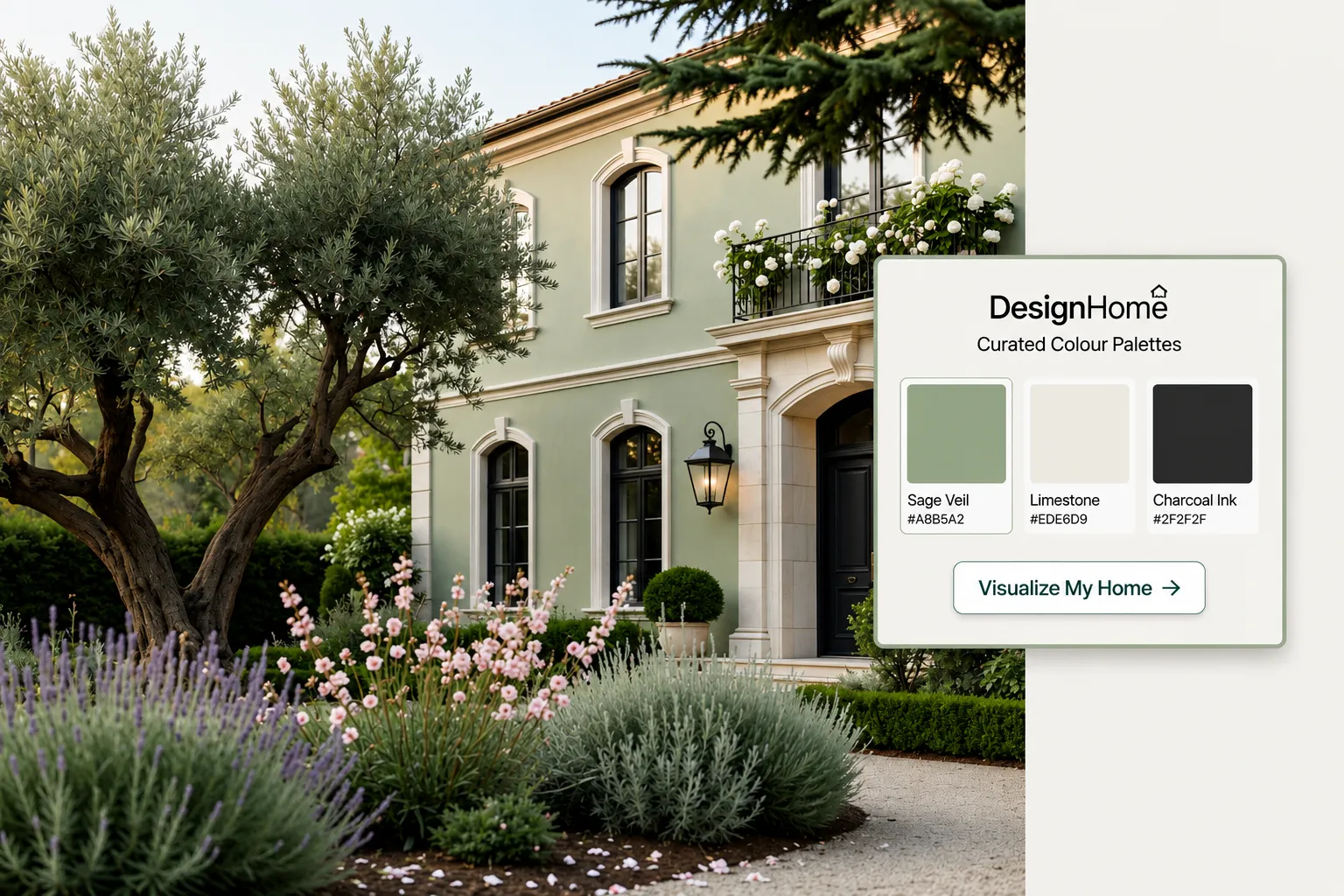
You can instantly preview exterior house paint colors and test new finishes. You can even turn an existing floor plan into a beautiful home exterior.
Take a look at this luxury villa layout for fresh exterior ideas.
Planner 5D makes outdoor design far too complicated. You have to build roof shapes and yard lines from scratch. The controls are clunky, hard to use, and time-consuming.
Ease of Use: Which Home Design Software Is Better for Beginners?
Nobody wants to spend days learning complicated software.
DesignHome has zero learning curve. If you can snap a photo or type a sentence, you can use it. It turns your bold ideas into realistic picture previews right away. Read our guide to AI home design for simple tips
Planner 5D has a steep, frustrating learning curve. The menus are crowded with hard tools and confusing controls.
You will waste time watching long videos just to start your first room.
Pricing Comparison: Which Tool Offers Better Value?
You want software that gives you real value without hidden surprises.
DesignHome delivers extraordinary results without wasted effort. You get custom floor plans and realistic room makeovers in seconds.
Planner 5D locks basic tools behind expensive monthly plans. You pay money for software that makes you do all the hard manual labor yourself.
Pros and Cons: DesignHome vs Planner 5D
Weighing AI-Powered Home Design
Understand what makes autonomous design revolutionary and where traditional oversight still matters.
The Pros
-
•
Lightning-Fast Concept Generation Turn text prompts or quick snapshots into fully rendered room layouts and floor plans in seconds.
-
•
Effortless Style Exploration Instantly test dozens of aesthetic directions without committing to expensive physical changes.
-
•
Zero Learning Curve Skip the tedious technical drawing, complex toolbars, and manual wall alignment of legacy software.
-
•
High-Impact Visuals Give clients an immediate, clear vision of what a renovated space can look like before construction begins.
The Cons
-
•
Real-World Scale Variations AI-generated concepts can occasionally misjudge physical dimensions, requiring manual verification.
-
•
Structural Blind Spots Automated tools focus primarily on surface styling, meaning load-bearing walls need professional review.
-
•
Inspiration Over Technical Blueprint Best used as a rapid ideation engine rather than an engineering-ready architectural blueprint.
Who Should Choose DesignHome and Who Should Choose Planner 5D?
Planner 5D
High friction, steep learning curve, and hard manual work.
-
✕
Hard Manual Effort: Requires drawing every wall, room angle, and measurement by hand.
-
✕
Clunky Controls: Slow drag-and-drop tools make placing sofas and windows frustrating.
-
✕
Steep Learning Curve: You waste hours watching video tutorials just to start your first room.
-
✕
Hidden Paywalls: Basic items and furniture choices are locked behind monthly plans.
-
✕
No Photo Makeovers: You cannot upload a room photo to get instant decor suggestions.
DesignHome
Instant AI generation, zero learning curve, and extraordinary results.
-
✓
Instant AI Floor Plans: Describe your bold ideas to get full home layouts in seconds.
-
✓
Easy Photo Makeovers: Upload any room picture to find new interior styles instantly.
-
✓
Effortless Exterior Planning: Upload your house photo to preview new paint and siding styles.
-
✓
Zero Learning Curve: Snap a photo or type a sentence to design your space right away.
-
✓
Extraordinary Custom Designs: Get realistic previews of your dream home without drawing lines.
Choose DesignHome if you want to:
Type simple ideas to get instant floor plans.
Upload existing photos for effortless interior makeovers.
See stunning exterior designs without doing hard work.
Browse real room ideas in our real room gallery.
Choose Planner 5D if you want to:
Spend hours manually measuring and placing walls.
Struggle with complex menus and hard software.
Final Verdict: Is DesignHome or Planner 5D Better for Your Next Home Project?
DesignHome is the clear winner for your next project. It takes away all the stress of home design.
You do not need technical skills or endless free time. Just describe your ideas or upload a photo to start.
Ready to see your dream house come to life? You can browse home design ideas or try the instant floor plan generator today.
Frequently Asked Questions
How does DesignHome create floor plans so quickly?
You just type your bold house ideas in plain English. Our smart layout creation tool builds a complete home map in seconds. You can read our guide to fast layout design to see how easy it is.
Do I have to measure and draw walls manually?
No. DesignHome removes all manual drawing work. Hard tools like Planner 5D force you to click and drag every wall by hand. DesignHome handles the hard math automatically.
Can I upload photos of my real home?
Yes! Just snap a photo of your living room or kitchen. DesignHome lets you try new decorating styles to see what looks best in your space.
How does DesignHome compare to Planner 5D?
DesignHome gives you fast, stunning room previews with zero effort. Planner 5D has a hard, frustrating learning curve. You waste hours trying to set up a single room.
Can I redesign the outside of my house too?
Yes. Upload a photo of your house front to test new paint shades and siding. You can also turn any layout into a complete outdoor design.
Do I need special design experience to start?
None at all. If you can type or take a picture, you are ready. Feel free to look through real project examples or check our photo showplace for quick inspiration.
Expert Verified Content
This article has been reviewed by our interior design team for accuracy and quality.