

Create Extraordinary Floor Plans in Minutes
Let’s be honest.
Having a bold vision for a house you’ve always wanted to live in is one thing, but actually turning that dream into a professional blueprint is an entirely different battle. Traditionally, crafting an extraordinary floor plan required clunky CAD programs, advanced drafting skills, and months of deep technical learning. It felt like an exhausting roadblock standing between you and your dream home.
But what if you could bypass the frustration entirely?
Imagine letting cutting-edge technology handle the heavy lifting, giving you the power to sculpt a premium space based entirely on your unique lifestyle. With DesignHome Synthesis, you can step past the old technical barriers and watch your ideas come to life in minutes—completely free of drafting stress.
Ready to Think Like an Architect, Instantly?
DesignHome Synthesis operates just like a seasoned civil engineer or professional architect. Instead of making you draw lines manually, the workspace simply asks a few fundamental questions to map out your structural foundation.
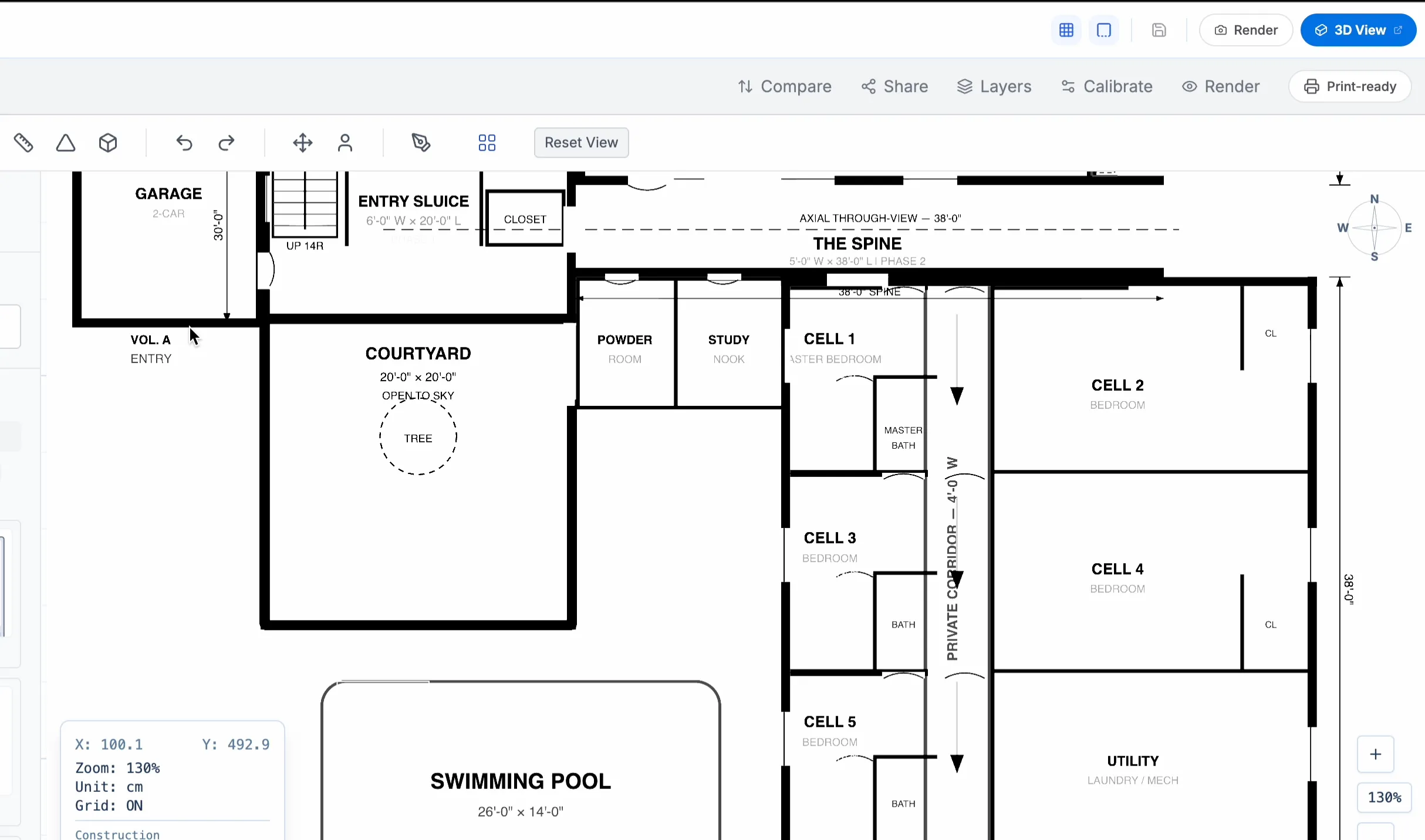
You just provide the raw essentials you would normally share with a human designer—such as your total land width, length, and specific room count. From there, you get to explore a rich gallery of trending architectural directions. Whether you want a clean contemporary floor plan, a structural pillar layout, or a traditional residential design, you have the total freedom to choose the exact aesthetic that elevates your personal lifestyle.
The Master Guide to Floor Plan Types: Which One Fits Your Life?
Staring at a piece of empty land or a raw apartment shell can feel incredibly overwhelming if you don't know the structural rules. There are many types of floor plans trending today, and choosing the wrong one means risking your hard-earned money on a space that doesn't fit your daily routine.
Here is the catch: you don't need to be a professional civil engineer to understand your options. By looking at how modern layouts handle structural weight and traffic flow, you can easily find the perfect match for your lifestyle.
The Contemporary Floor Plan
Think about it. Modern living is all about breaking down unnecessary barriers. A contemporary design completely eliminates heavy, suffocating walls in favor of an open-concept flow. This style seamlessly connects your kitchen, dining, and living areas into one sweeping, premium space. It maximizes natural light, makes smaller plots feel twice as large, and is perfect for anyone who loves hosting vibrant social gatherings or keeping an eye on the family while cooking.
The Structural Pillar Floor Plan
But wait, there is more. If you want absolute, long-term creative freedom over your interior walls, a pillar layout is the ultimate choice. Instead of relying on interior load-bearing walls to keep the roof up, this architectural style uses strategically placed concrete or steel pillars. Because the internal space is completely free of structural weight, you can place partition walls wherever you want—or completely change your room layout years down the road without risking a structural collapse.
The Classic Residential Floor Plan
What if you value peace, quiet, and clear boundaries? A traditional residential layout is built around the beauty of dedicated spaces. Instead of one massive open hall, this style uses defined walls to separate your cooking zones, formal dining rooms, and quiet bedroom sanctuaries. It is the perfect fit for growing families who need distinct acoustic privacy, dedicated home offices, or cozy, intimate rooms that are easy to heat and cool.
How Do You Craft High-End Layouts in Empty Spaces?
Think about it.
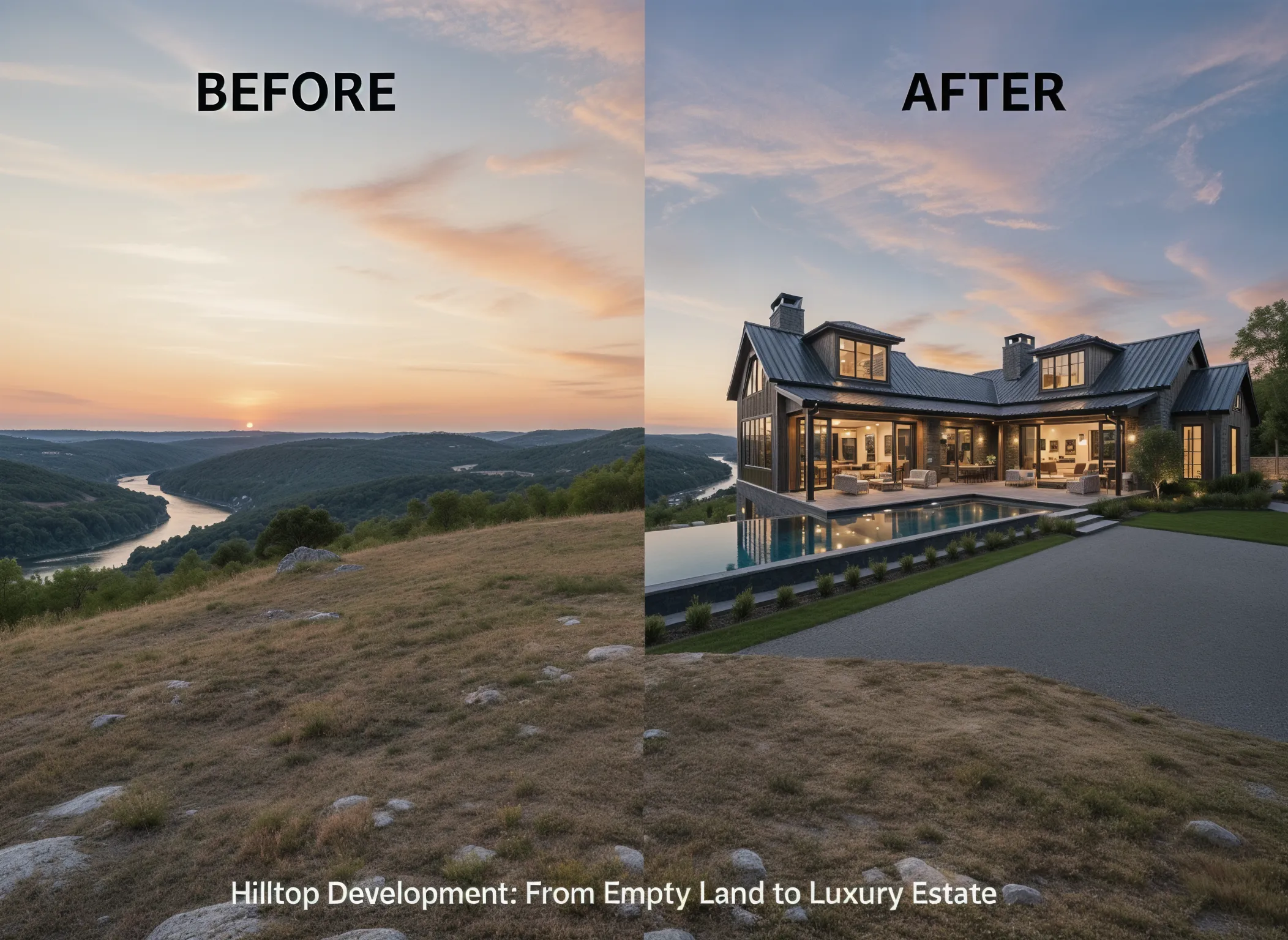
If you just bought a raw apartment shell or a piece of empty land, you are holding a blank canvas for a premium lifestyle. To turn that empty space into an extraordinary reality, you simply head to your clean DesignHome dashboard, start a new project, and describe your bold idea in plain words.
Within minutes, the engine processes your lifestyle goals and generates a highly tailored layout built precisely around your routine.
Here is the best part: you are never locked into the initial layout. Once the engine creates the raw 2D blueprint, you gain access to an open workspace where you can effortlessly edit, customize, and refine every single partition wall until the design matches your exact vision.
What Does It Take to Step Into Your Space with Photorealistic 3D Renders?
Seeing your future home as flat lines on a screen isn't enough to feel the true vibe of the space.
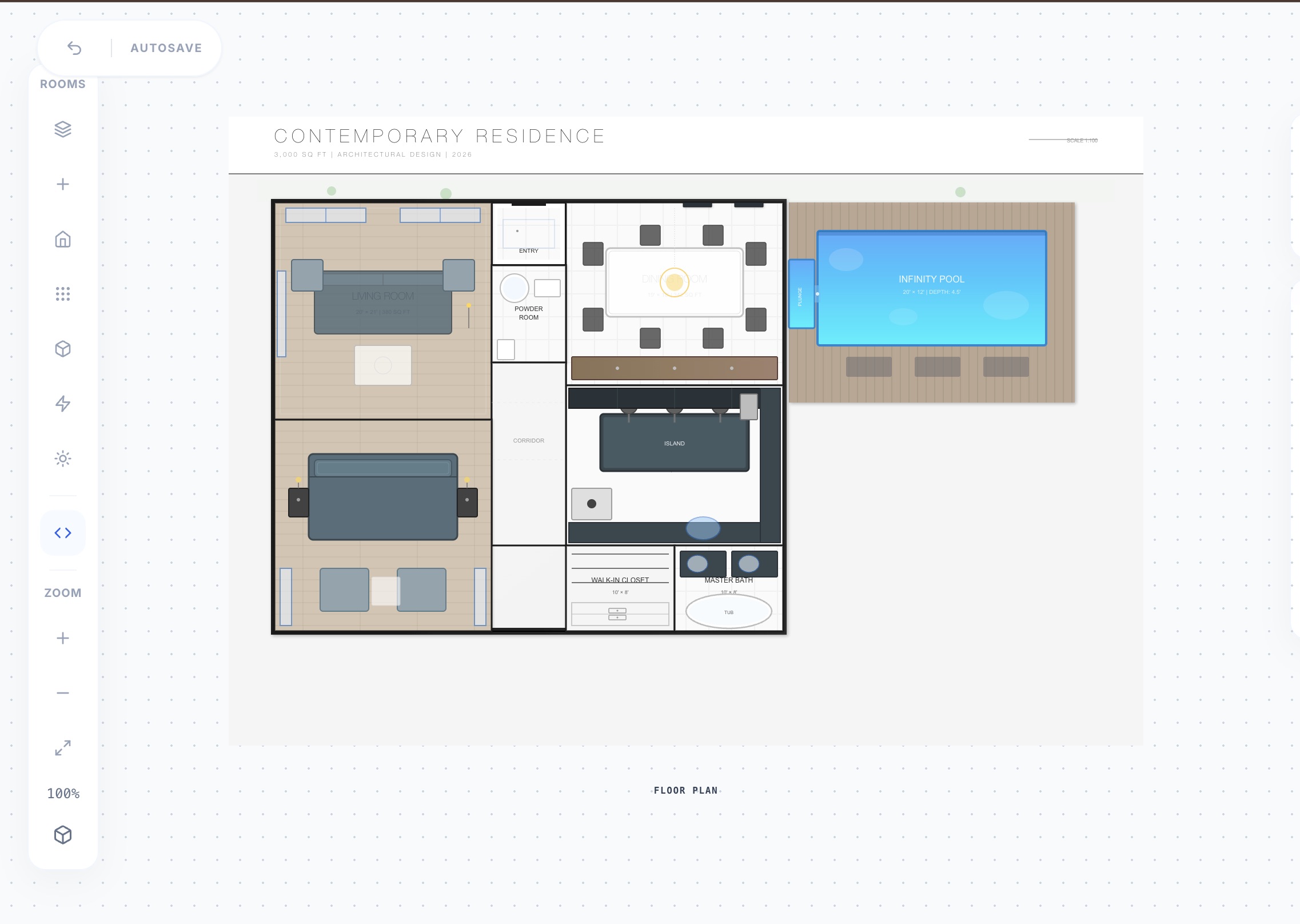
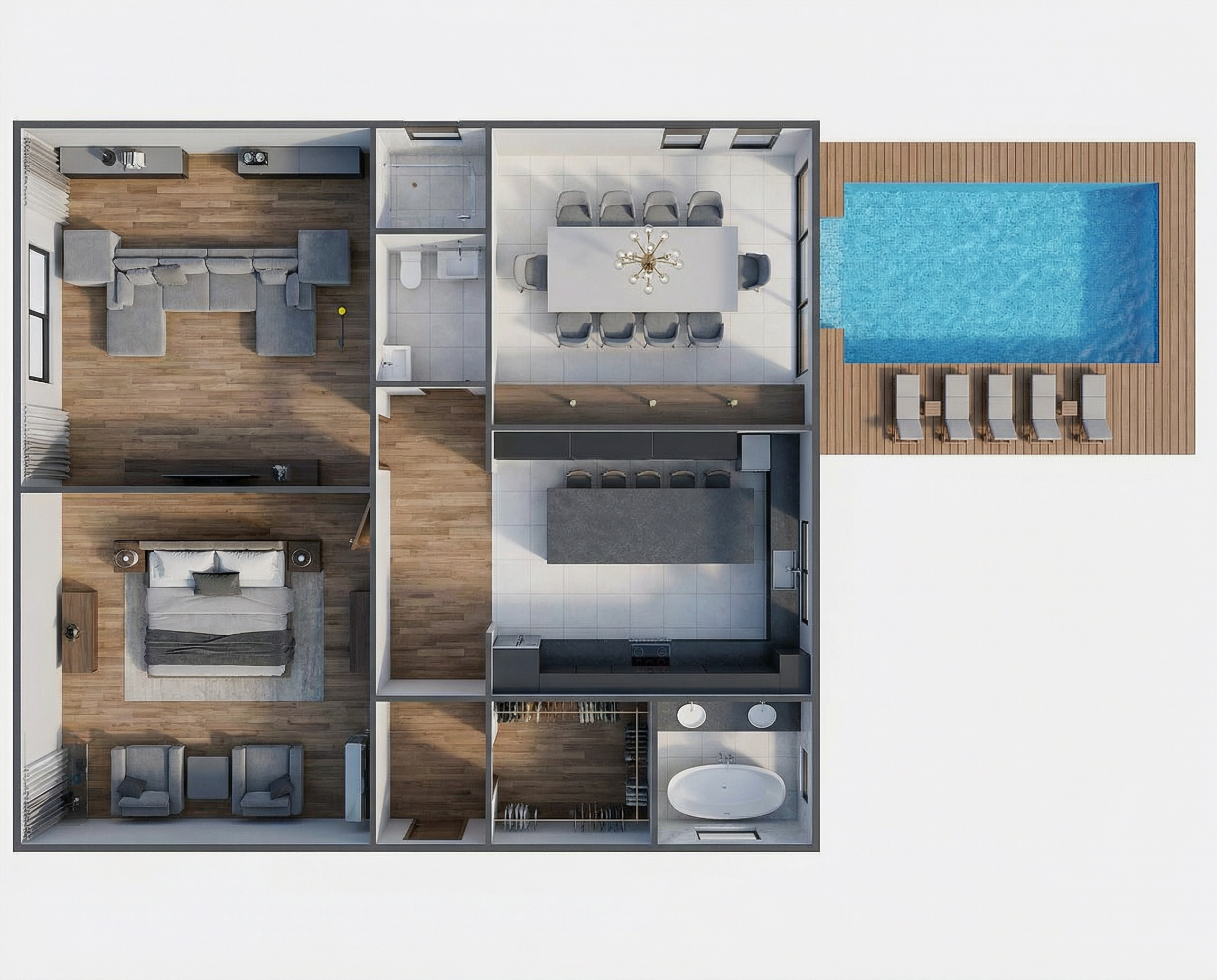
With DesignHome Synthesis, you can instantly upgrade your raw 2D blueprint into a gorgeous, fully immersive 3D render. Stepping into a 3D environment changes everything. It grants you a highly versatile experience where you can confidently experiment with different color palettes, visualize how natural light flows through your rooms, and feel the true scale of your home before a single brick is laid.
Once you are completely satisfied with the look and feel, downloading your project is entirely seamless. The workspace fully supports over 10 industry-standard file formats—including high-resolution PDF, PNG, and professional DXF files. This gives you the ultimate confidence to hand your blueprints directly to any local contractor or builder, knowing your vision will be executed with flawless, real-world precision.
Frequently Asked Questions
Is it actually possible to create a complete floor plan in minutes?
Let’s be honest. It sounds completely impossible if you are used to watching traditional designers spend weeks scratching their heads over a single draft. But here is the secret: our workspace completely eliminates manual drawing. By instantly processing your raw room dimensions and spacing requirements, the system executes the heavy geometric layout in seconds, proving that you can absolutely create a complete floor plan in minutes without any technical stress.
Can I customize the layout after I create a complete floor plan in minutes?
Here is the catch—with old-school blue-printing, changing a single wall means starting entirely from scratch. With this workspace, you are never locked into your first generation. After you create a complete floor plan in minutes, you retain absolute creative authority to drag partition walls, adjust room sizes, and fine-tune the entire architectural flow until it fits your lifestyle perfectly.
What is the exact difference between a contemporary and a traditional residential layout?
Think about it. A traditional layout usually relies on separate, defined rooms divided by heavy walls and dedicated doorways to keep spaces isolated. On the flip side, a contemporary design embraces an open-concept flow that lets natural light and conversation pass freely between the kitchen and living areas. You have total creative freedom to choose whichever architectural aesthetic fits your personal style.
Can I use this workspace to plan an extension for an existing house?
But wait, there is more. You aren't just limited to designing a brand-new home from empty dirt. If you want to remodel your current property or add a spacious new master suite, you simply input your existing home boundaries and land measurements into your dashboard. From there, you can easily map out the new room additions, aligning them perfectly with your current structure before you talk to a contractor.


